FICCweb® Business Software.
From Accounting-Based Systems to Operations-Based Business
Management.
Manage your business with a software that gives you the
freedom to run your company without being tied down by
accounting software!!
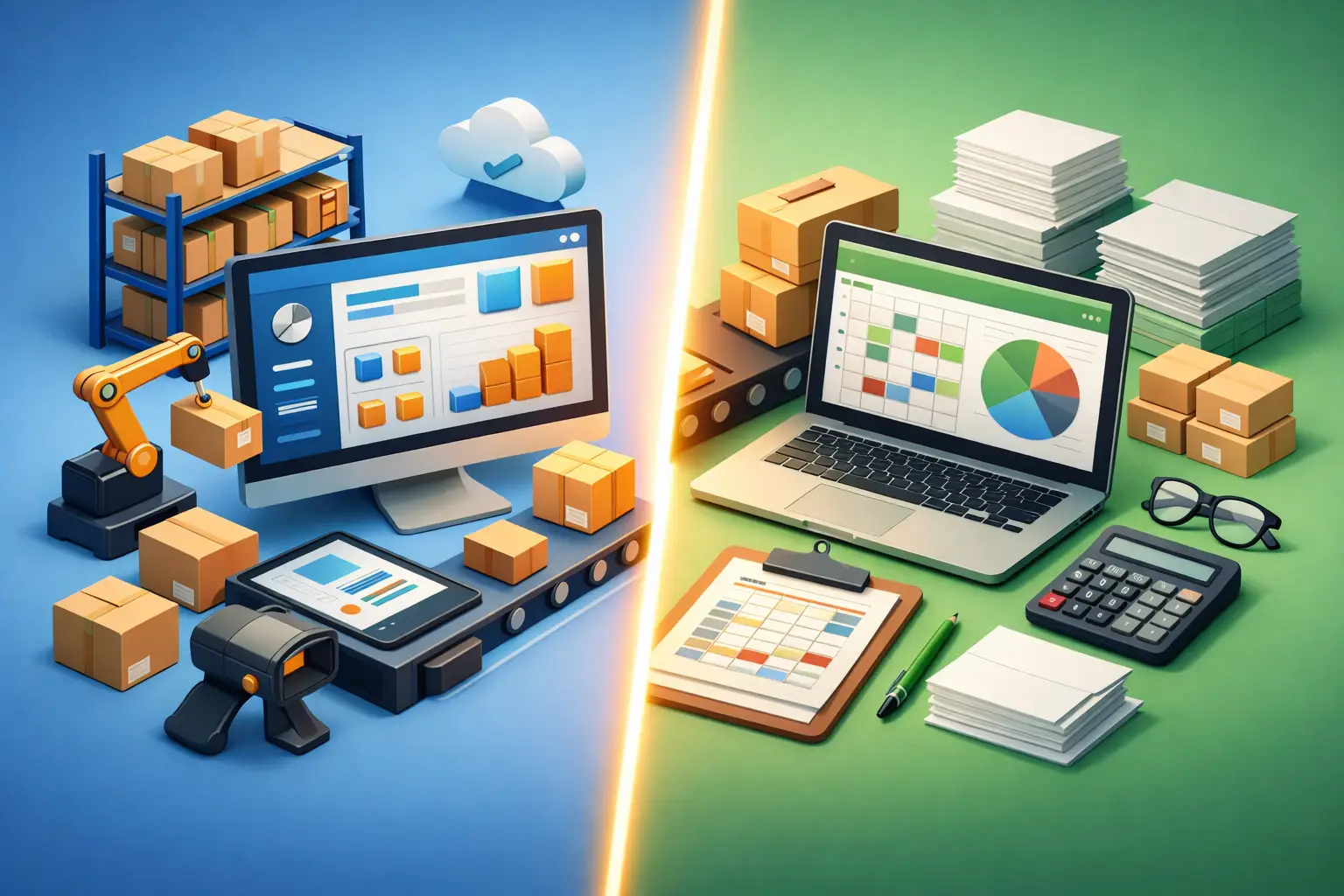
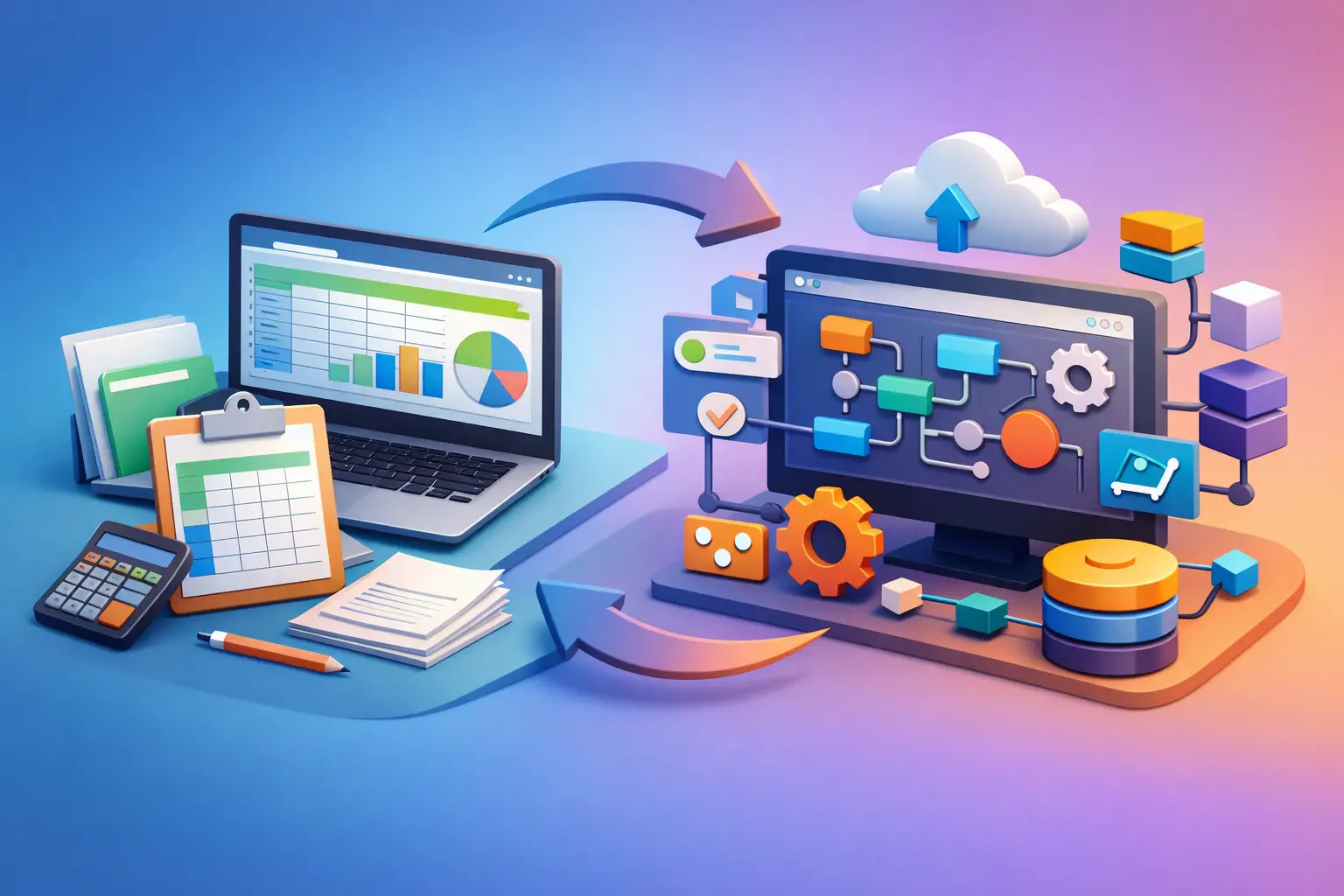
FICCweb® is a premium business software
solution that transforms the way companies operate, moving
beyond traditional accounting-based systems to a fully
integrated, operations-based platform.
Take control of your business.
Gain the freedom to manage your company's day-to-day operations,
make informed decisions, and execute critical business
activities without having to rely on your accountant for every
step.
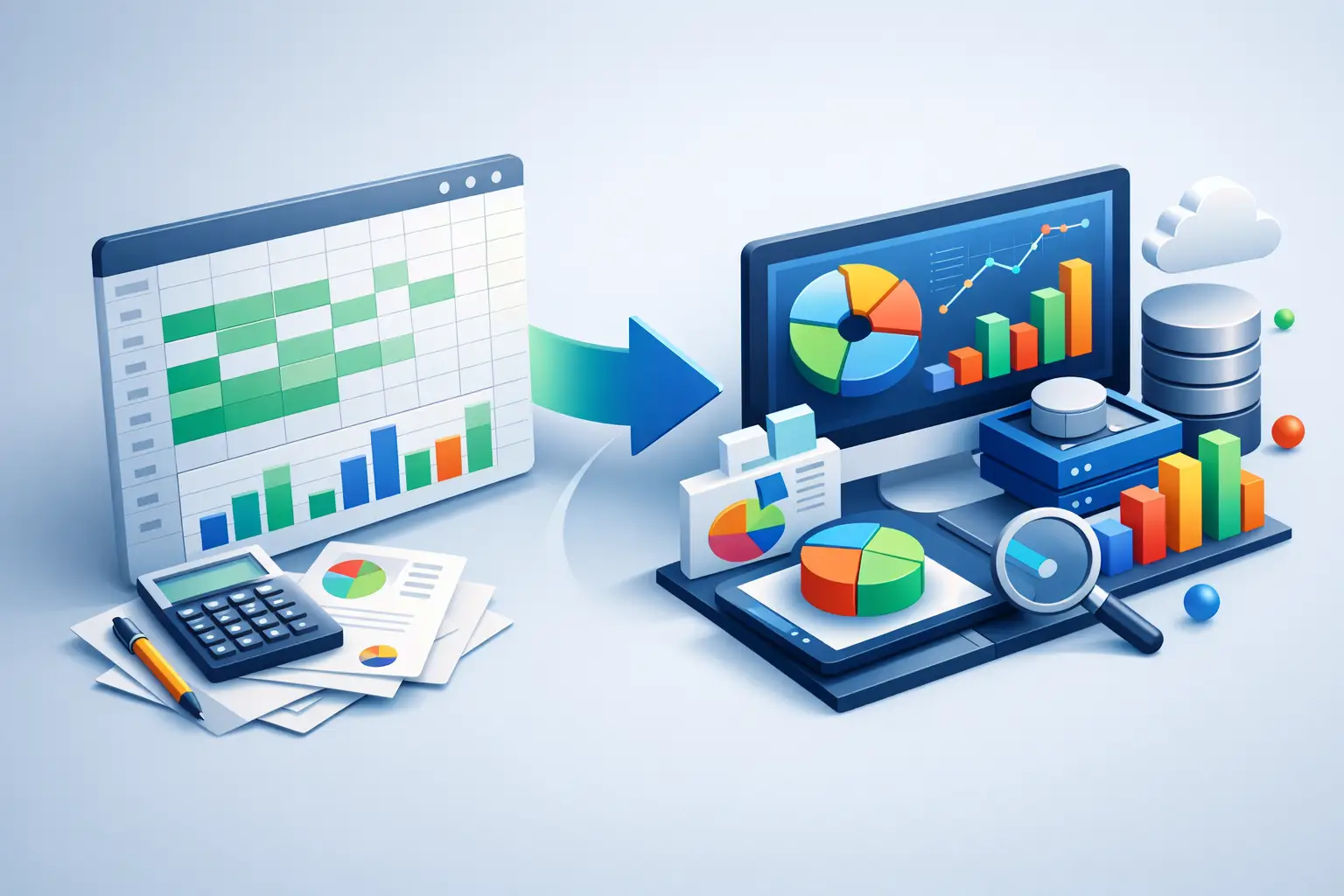
With FICCweb®, you move from simply recording
what happened to actively managing what happens next.
There
are many business software out there in the market, a lot of CRM's
and accounting programs, what to choose?, we can say that there
are three types of Business Software:
1. Pre-Operational Business Software.
2. Operational Business Software and,
3. Post-Operational Business Software
The
typical example of a pre operational business software are the
CRM's FICCweb® is a software designed for company owners or
managers, not for accountants, but it provides the key information
accountants need. You need software to run your company, not only
to run your accounting. When you talk about accounting, you are
talking about the past, accounting doesn't do anything about what
is happening now or what is going to happen in the near future in
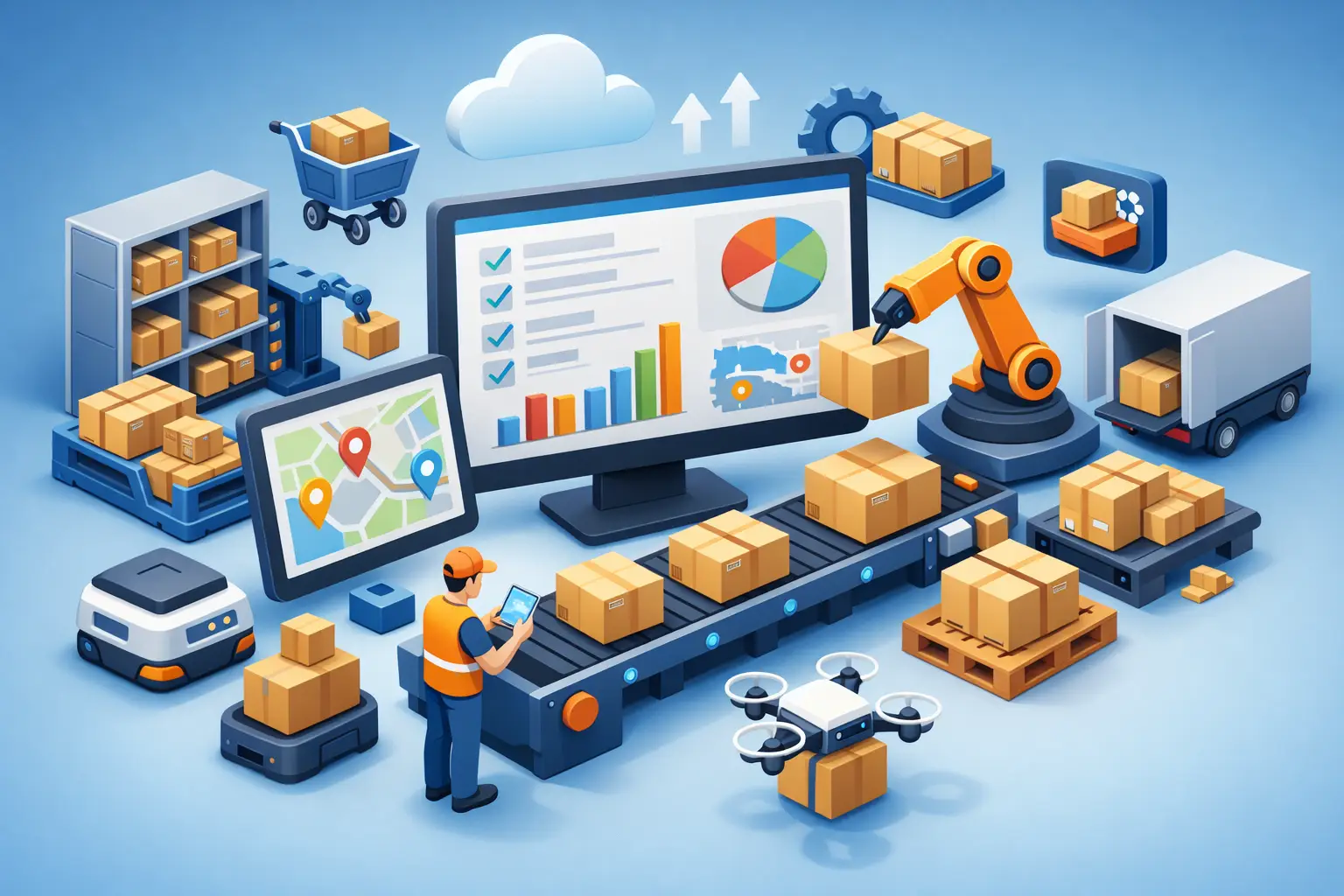
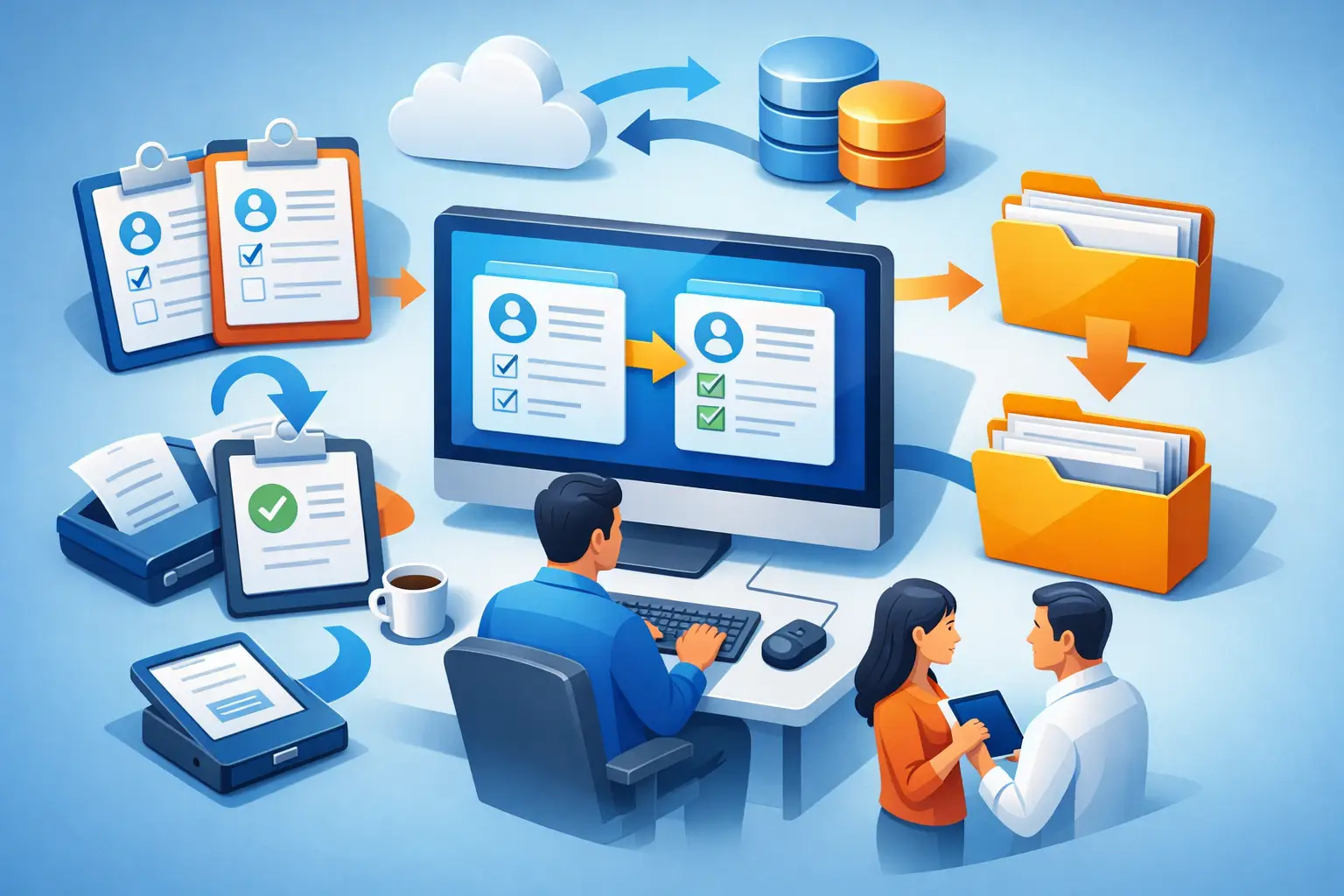
your business, for example pending Quotations that become a
confirmed Orders, Orders that should be converted in one or more
Purchase Orders if your company does not handle inventory or
convert a Sales Order(s)s into one Invoice if you do, and many
other conditions alike, in the other hand you have a plague of
CRM's on the market, programs that handle your possible future,
contacts, appointments, Quotations and possible closings, we think
that a small company can handle this with a good online calendar.
One common mistake is getting a program or a CRM for the invoices
alone. That usually leads to a narrow tool that solves one visible
problem while leaving the larger workflow untouched. The team
still re-keys sales orders, checks stock elsewhere, and reconciles
mismatched totals later.
Another mistake is assuming CRM software can handle invoicing well
enough. CRM platforms are useful for pipeline activity, but most
are weak once inventory, purchasing, fulfillment, and real
financial impact enter the picture. If your business buys and
resells goods, invoices are not just customer communications. They
are the financial expression of operational activity.
The third mistake is overvaluing low upfront cost. A cheap tool
that forces duplicate entry across sales, purchasing, invoicing,
and reporting is not cheap. It simply hides the cost in labor,
delays, and preventable mistakes. FICCweb® is what you need
to run your business; you don't have to ask permission from the
accountant on how to do something because you are afraid of making
mistakes, which could damage the results. FICCweb® is the best
option for Importers, Exporters, Resellers, Wholesalers, Purchase
Agents, and even retailers, or good for any company that buys and
resells goods or services. Your Business Software must be
web-based, simple, intuitive, smart, powerful, scalable, secure,
affordable, and bilingual (English with the printout of the main
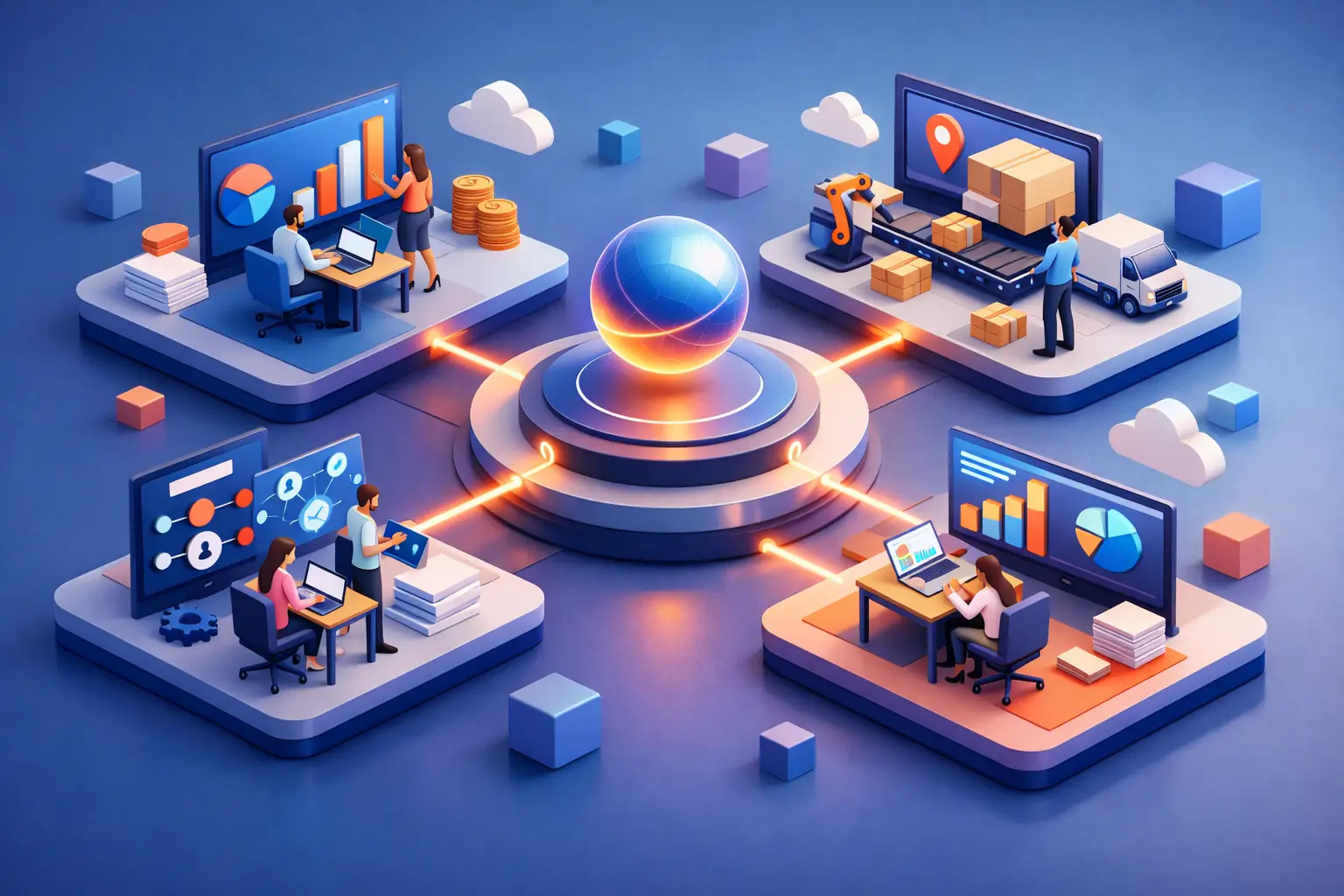
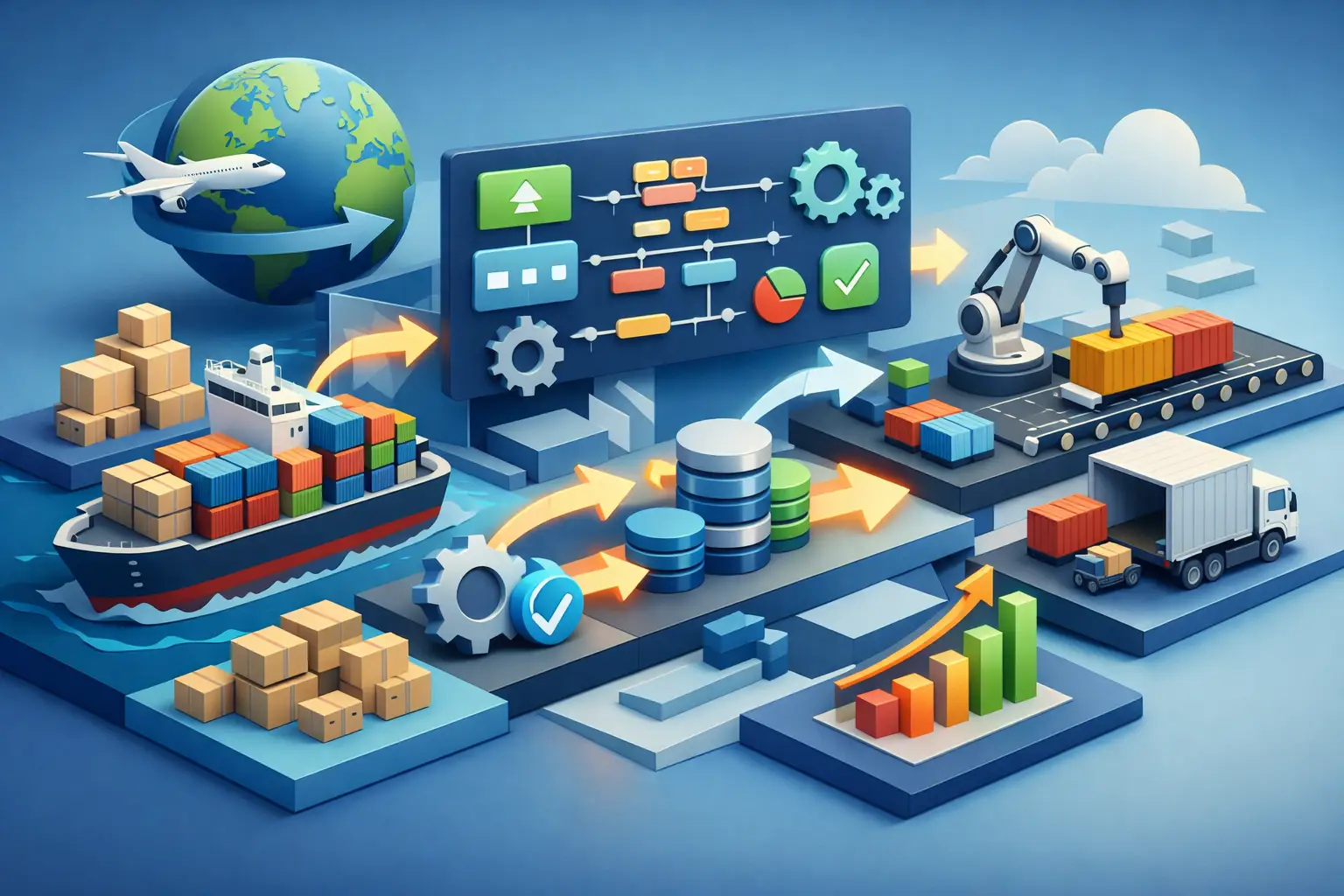
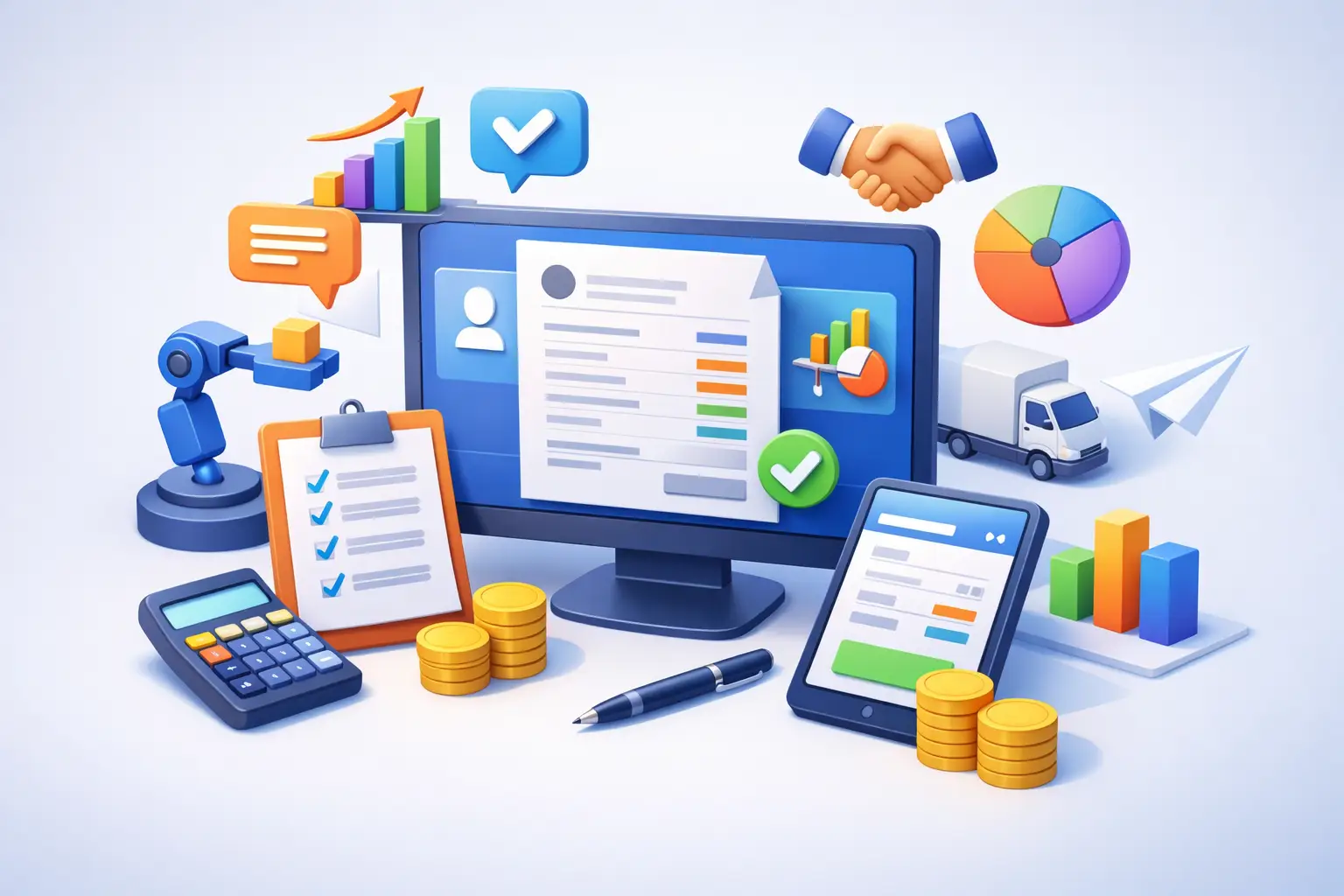
documents in Spanish). FICCweb® delivers end-to-end operations,
analytics, and automation in a single, elegant platform. Built for
growth-minded users, with a refined interface and modern
experience, click Get a Demo to show you how powerful it is.